🤖 Report Generator
Arbus Report Generator Overview
The Arbus Report Generator is a powerful feature integrated into each project page within the Arbus platform. It offers users two main functionalities: Ask Question and Generate Report, both designed to provide valuable insights and detailed information about projects.
- Ask Question: This feature allows users to interact with the project’s dataset by asking questions directly, similar to using a chatbot. By querying the dataset, users can obtain specific insights and detailed responses about the project.
- For example, you can ask questions like, “Who are the backers and investors of the project?” or “Which network is the project built on?” to get targeted information instantly.
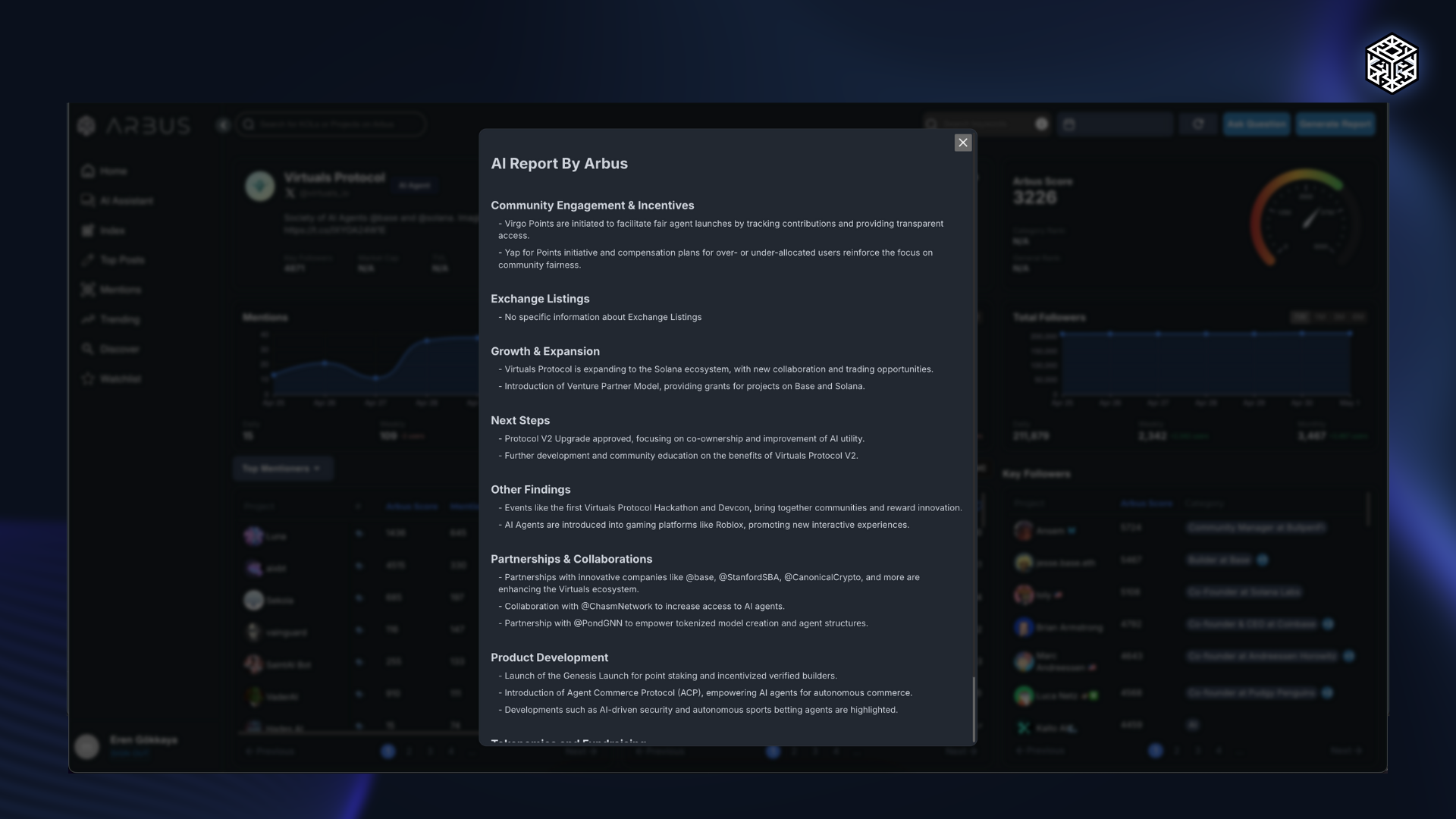
- Generate Report: This feature provides concise and insightful summary reports of a project using AI. It offers two sub-options:
- Project Tweets: Generates a summary based on the project's tweets, allowing users to filter and select specific date ranges to get a focused overview of project-related social media activity.
- KOL Mentions: Analyzes mentions by Key Opinion Leaders (KOLs) on platforms like Twitter. It evaluates both positive and negative sentiments, providing insights into how influential figures perceive the project. Users can also filter and select date ranges for a more targeted analysis.
Benefits of Using Arbus Report Generator
- In-depth Insights: Provides detailed, AI-driven insights into projects, allowing users to understand critical information at a glance.
- Customized Reports: Users can tailor reports based on specific questions or focus areas, such as tweets or KOL mentions, to meet their unique research needs.
- Efficient Decision-Making: By quickly generating summaries and accessing key data, users can make informed decisions about potential investments and partnerships.
The Arbus Report Generator is a valuable tool for users to get detailed insights into projects.
By offering the ability to ask targeted questions and generate detailed reports, it enhances the user’s ability to analyze project data and stay informed about key developments within the Web3 ecosystem.