
🔮 Narratives
Narratives Overview
Narratives is a section in Arbus that categorizes posts and data from our dataset into different narrative themes. This section provides insights into which specific trends are emerging, what categories these trends fall into, and how projects are built around these narratives. Narratives help users understand the broader themes shaping the market, offering a structured way to explore and analyze ongoing discussions and developments.
Narratives Features
- Categorization: Posts and projects are classified into narrative categories based on their content, allowing users to see which trends are gaining momentum and which narratives are influencing the market.
- Trend Identification: By organizing data into narratives, users can easily identify emerging trends and understand the context behind them.
- Project and Tweet Visibility: Under each narrative category, users can view relevant projects and tweets, making it simple to explore specific topics and see how they are being discussed within the community.
Benefits of the Narratives Section
- Stay Updated on Trends: Easily track which trends are currently popular and how they are categorized in the market.
- Explore Relevant Content: Access a curated list of projects and tweets related to specific narrative themes to better understand the market.
- Enhanced Data Categorization: Use Arbus's advanced tagging to see how data is organized into relevant narratives, offering structured insights into market trends.
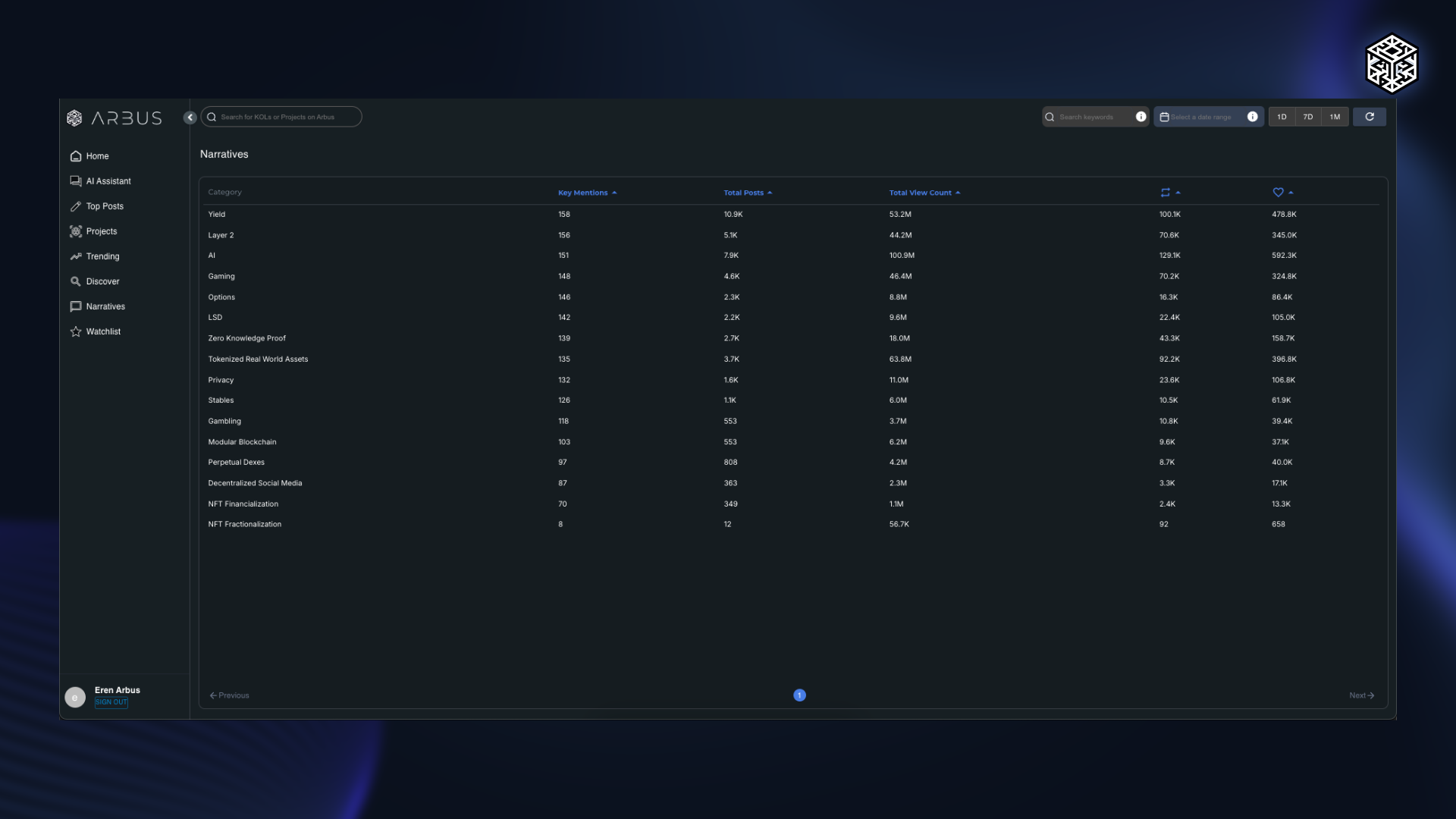
The Narratives section is a valuable tool for understanding the key themes and trends shaping the market. By categorizing data into narratives, it provides a clear and organized way to stay informed about important developments in the crypto.